Casino
  Live Casino
  Sports
LuckyHills Casino App with “How to Download” Instruction for Players in Australia
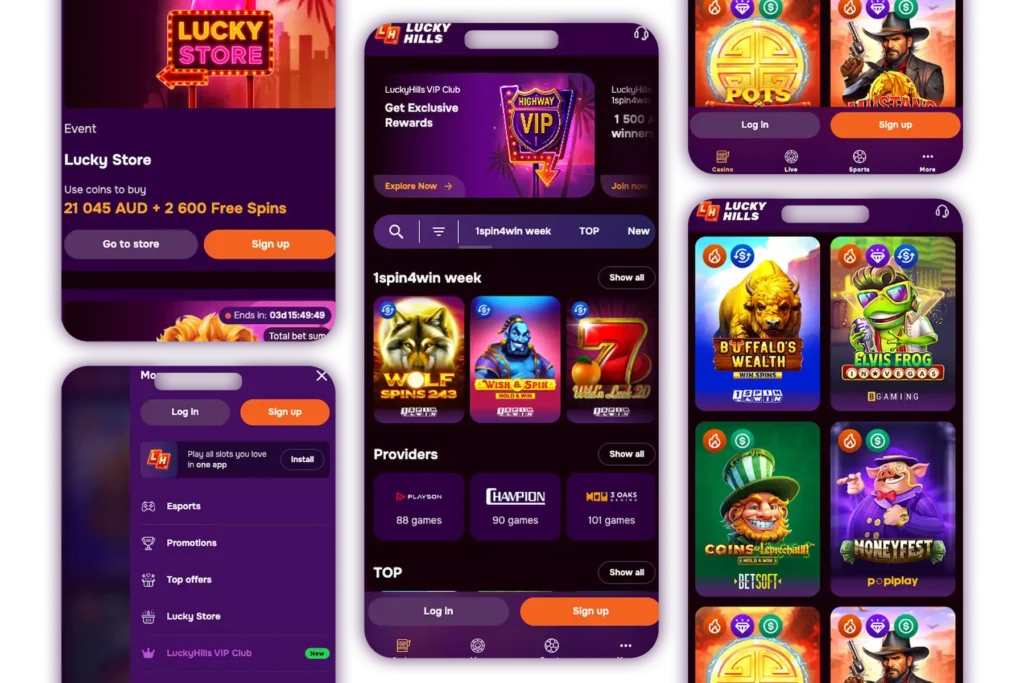
Setting up your LuckyHills app for mobile play is easy. You can download it on your phone, tablet or desktop. It is a Progressive Website Application (PWA), which is streamlined to function on different devices. That way, players can get the same look, feel and function, no matter which device they use. Our mobile version comes with all the features that you need to play online casino games. You can deposit, withdraw, play the full suite of games, access bonuses, tournaments and loyalty program perks.
How to Use and Install the Lucky Hills App on Android and iOS
Downloading and installing our application on your devices follows simple steps. They include:
- Open our website on your phone or tablet. You can use browsers like Chrome and Safari.
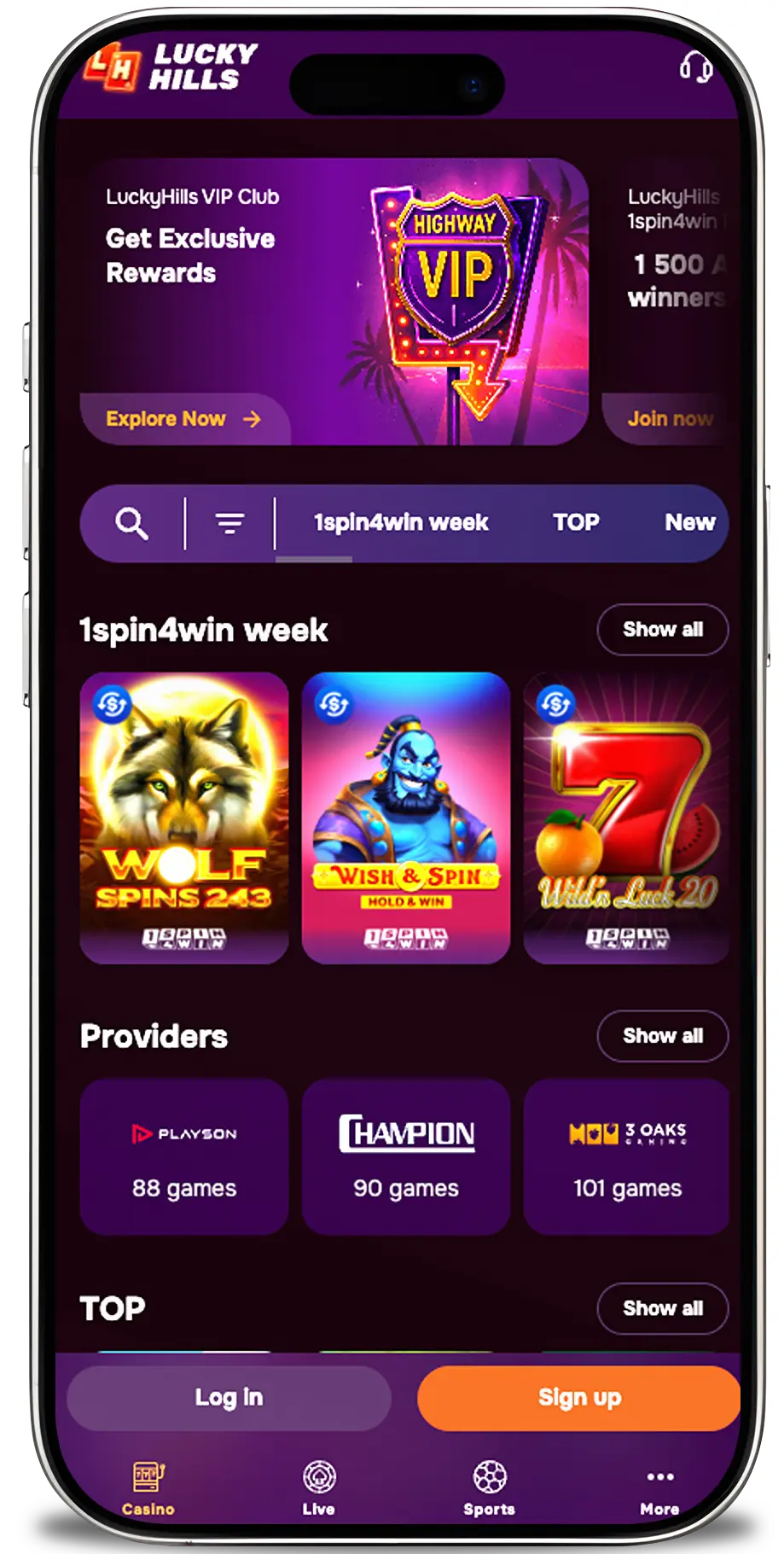
- A message will pop up on your screen asking you to install the application. If you can’t get it, use the browser menu on your Android to get the Add to Home Screen option. iPhone users can tap the Share button to find the Add to Home Screen option.
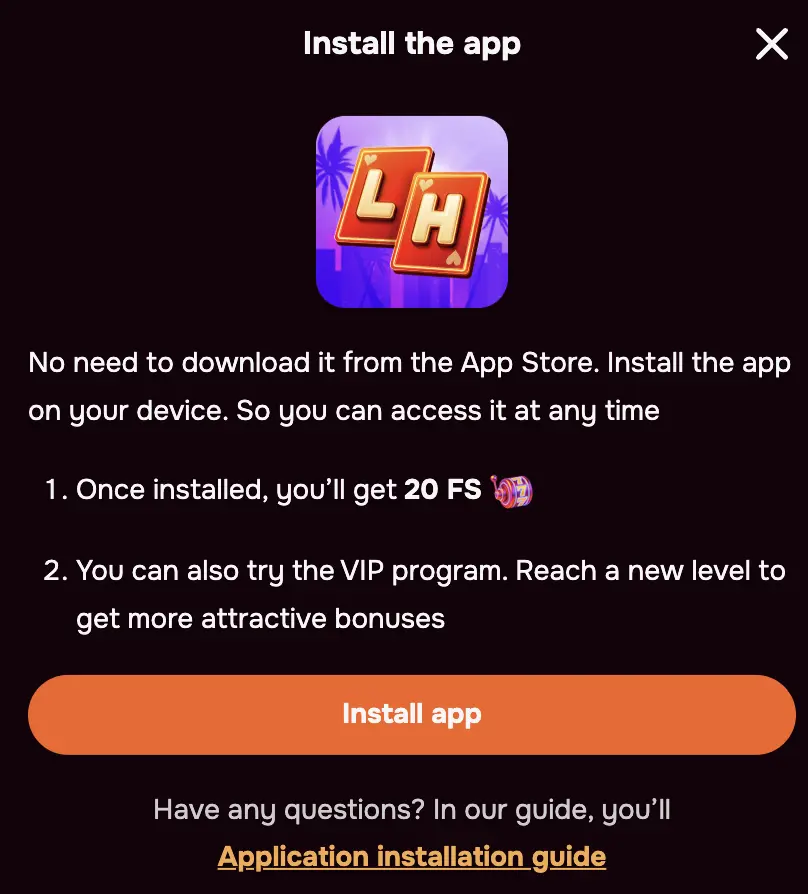
- Tap the Add button on the pop-up.
- The Casino LuckyHills mobile app will install and appear on your home screen.
Available Devices
You can access our services on your preferred device because the site is optimised for all of them. These include:
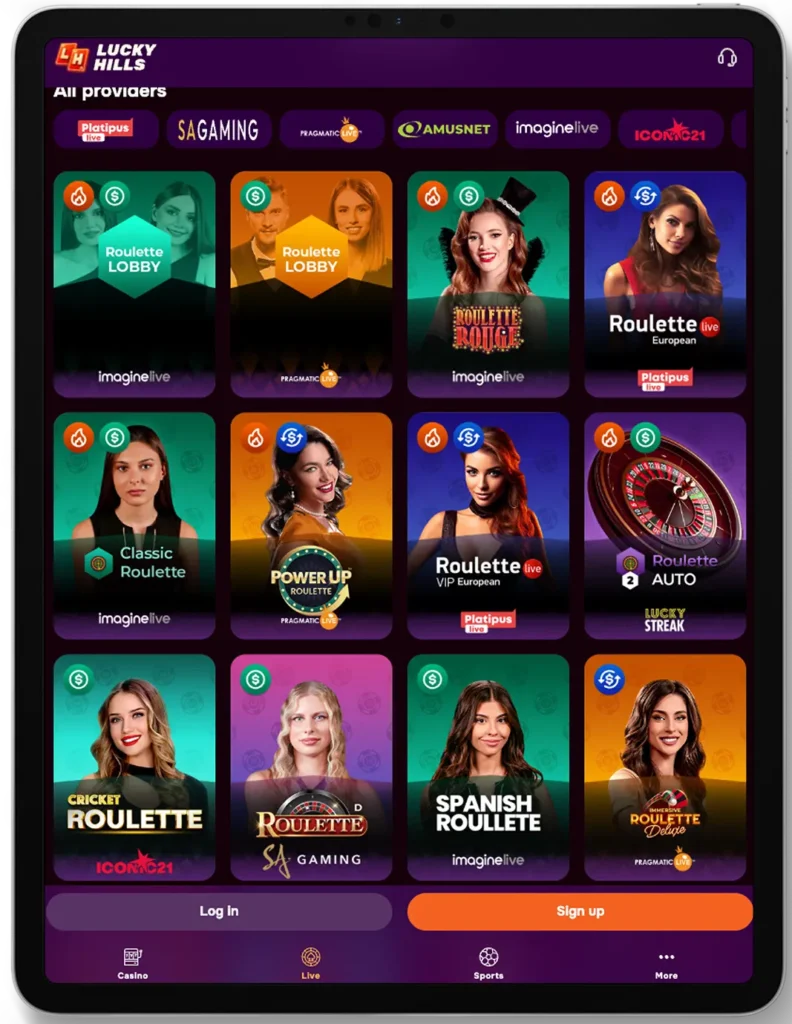
- Phones – Players looking for a more convenient gameplay can use their Android or iOS smartphones to access our games, bonuses, customer support and other features. You can download the Lucky Hills Casino app or play instantly on your mobile browser.
- Tablets – Our platform is also supported on Android tablets and iPads. You can download the PWA or use the site on your browser.
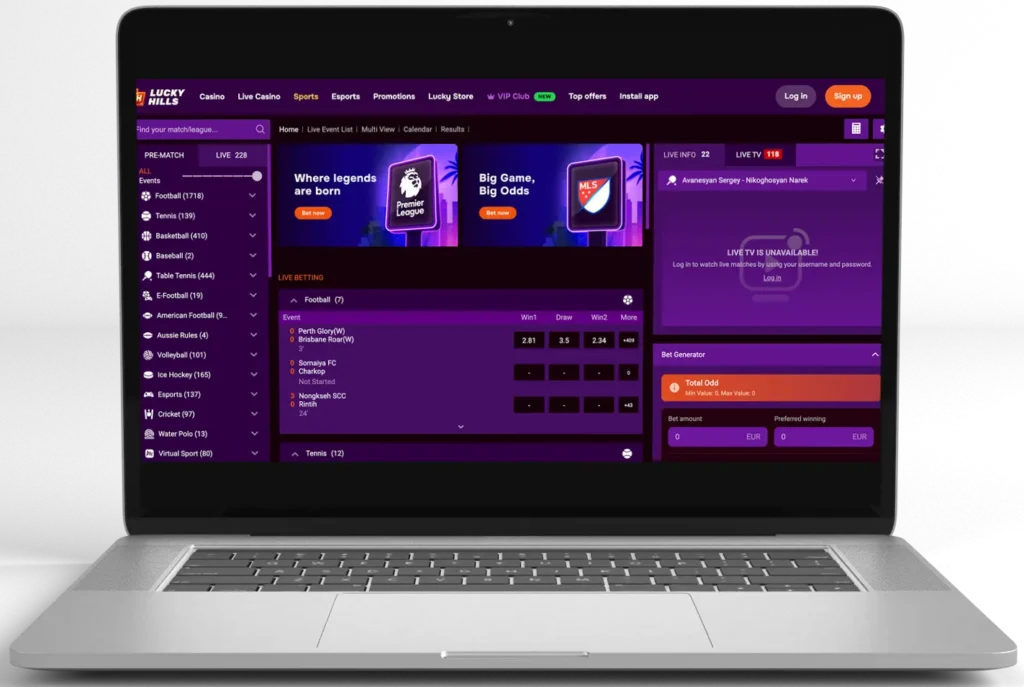
- Desktops and Laptops – These devices provide a web view of our site. You will be able to see many features in the same window. Playing live games on desktops is also more immersive compared to playing on phones.
System Requirements for Downloading of LuckyHills Mobile Casino
Your smartphone and tablet should meet several system requirements for you to play live games and other titles without issues. These include:
- Operating System – You need an Android device with Android version 8.0 (Oreo) and above. iPhone users need a device with iOS 13 or above.
- ROM – Ensure you have enough memory space on your phone. 200MB or more should work.
- RAM – iPhone and Android phones need at least 2GB of RAM for enhanced performance and to allow the casino Lucky Hills mobile app to run efficiently.
- Connection and Network – Ensure that you are connected to a 4G, 5G network or 2.4GHz and higher WiFi.
Interface of LuckyHills Casino App for Android
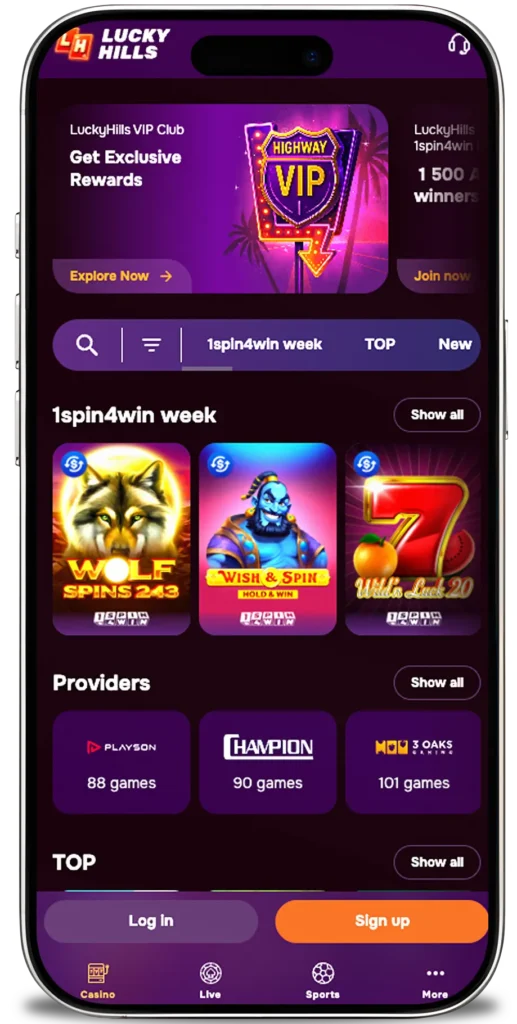
The app’s background is charcoal, giving the platform a premium look. It also makes icons and games’ graphics stand out, reducing eye fatigue after long sessions. You will notice accent lighting and subtle gradients of golden glow, purple or deep blue on banners and icons that convey a premium feel. The header section has features like the casino’s logo, tabs to casino, live casino, sports, promotions and others. Tapping on these tabs takes you to specific sections, like the casino games lobby.
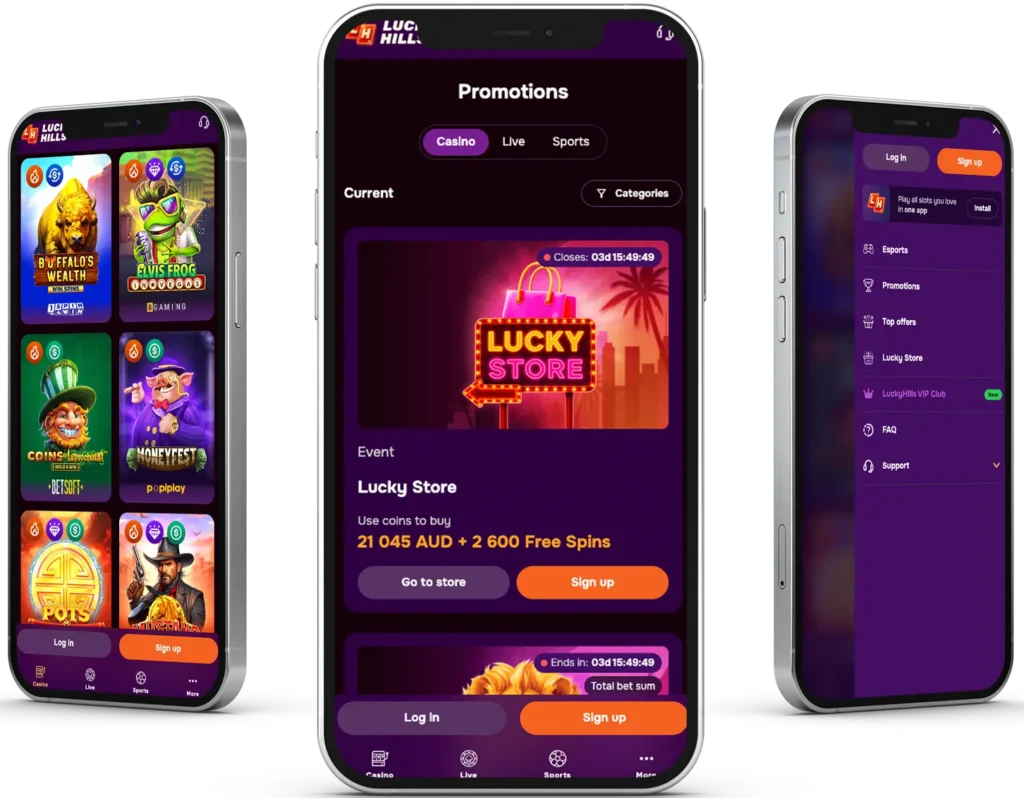
You will find a banner with promotions below the header. Players will find tiles of games below the banner. The interface on the Lucky Hills Casino Android adapts between portrait and landscape modes. It responds to touch, allowing you to switch between sections or games easily.
How to Play Mobile Games
If you have played casino games on desktops, you already know how to play them on mobile devices because there is no difference. But if you haven’t, follow these steps:
- Download Lucky Hills app, open it and sign in and add funds to your account.
- Scroll through the page to find games. Pick any. You can start with slots such as Diamond Power and Money Fest. Pick a digital table or live dealer title if you are looking for a challenge that requires some skills.
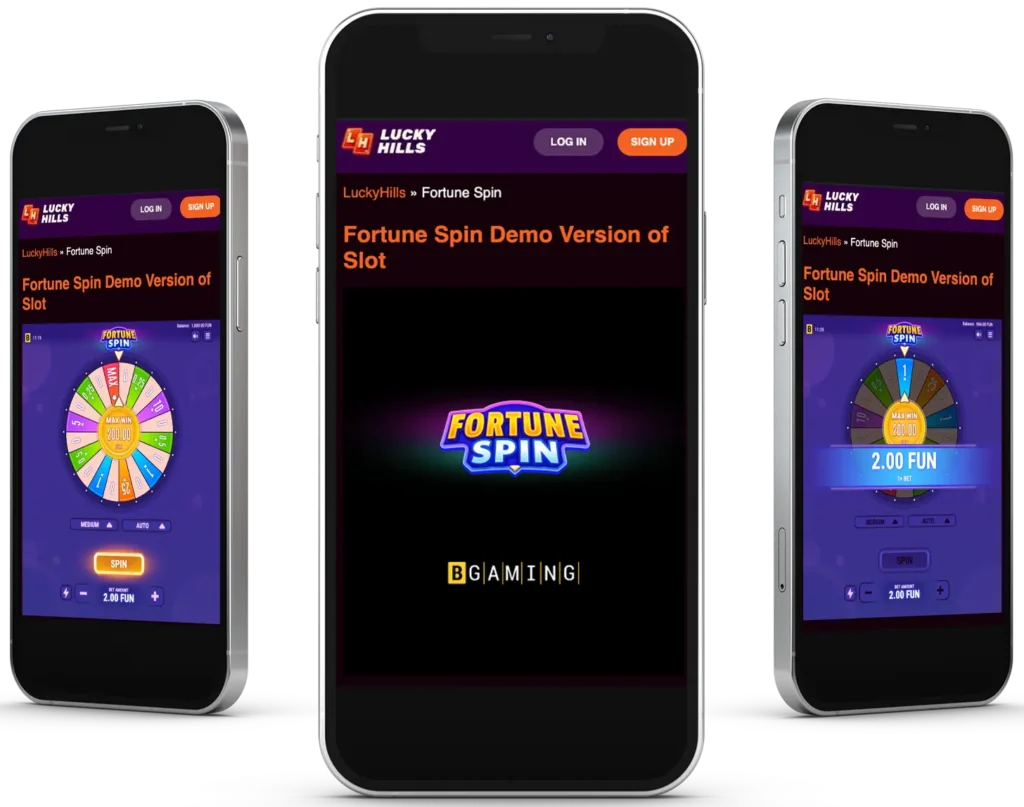
- Tap the demo icon for practice play. Learn the rules, check the paytable and odds. You can go back and tap the Play button to play for real money.
- Set your bet with the functions provided, usually +/-.
Features of the Casino LuckyHills App
Our mobile version provides users with the full suite of games. This means that you can play all your favourite games, whether slots, digital table or live dealer titles on your smartphone. The platform is optimised for both Android and iOS devices, including phones and tablets. You will notice a clear display of graphics in games, no matter your screen size.
Another distinctive feature of the casino Lucky Hills app is exclusive bonuses. For example, you will get 20 free spins upon downloading the platform. You will be the first to know about new promotions, tournaments and other news when you allow push notifications.
Security and Data Protection
LuckyHills Casino protects Australian players’ personal data using measures like SSL encryption. This technology encrypts your data before it is stored in the servers and during transmission when you are signing up, logging in or verifying your account. Your data is only accessible by a few people, who can only view it for specific reasons, like customising bonuses based on your playing style or verifying your details. Installing the LuckyHills APK on your devices adds security measures to your account. For example, you can use authentication apps, patterns, PINs and passwords to protect your phone and the software on it.
Bonuses for Casino LuckyHills Mobile App Players
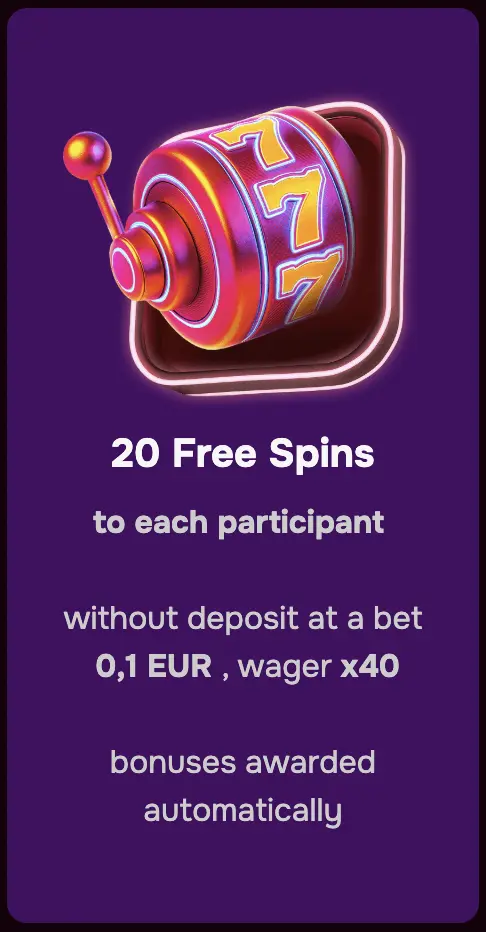
We have prepared offers that you can claim from the moment you sign up. These include:
| Offer | Details |
| Welcome Offer | 100% up to AUD 1,000 plus 100 free spins on your first deposit of AUD 30. 200% bonus up to AUD 1,000 when you make the second deposit. |
| Mobile App Download | Download the LuckyHills app to get 20 free spins without making a deposit. |
| Reloads | We have a Wednesday reload offer where you can earn up to 50 free spins when you reload your account with funds. You can also get the Sunday reload, where you can get up to 30% match on your deposit. |
| Cashback | Mobile users can claim 2-10% cashback. |
| Tournaments and Loyalty Program | Participate in these missions to earn free spins, bonus funds or cash prizes. |
Pros and Cons
Your adventure at the Lucky Hills mobile has benefits like quick access to games. Using the mobile version may have some cons, which should be fewer than the benefits. Here’s the breakdown:
| Pros | Cons |
| ✅ You will get 20 free spins for downloading the tool, a welcome deposit deal and ongoing offers like cashback, reload and loyalty program perks. | ❌ You cannot play games while offline. |
| ✅ Players can join live casino activities like One Blackjack on the go. | |
| ✅ Make instant deposits and benefit from instant payouts. | |
| ✅ Users can play over 3,000 games that are curated for Australians. | |
| ✅ The platform is secure, and it provides safe gaming tools, like a deposit limit. |